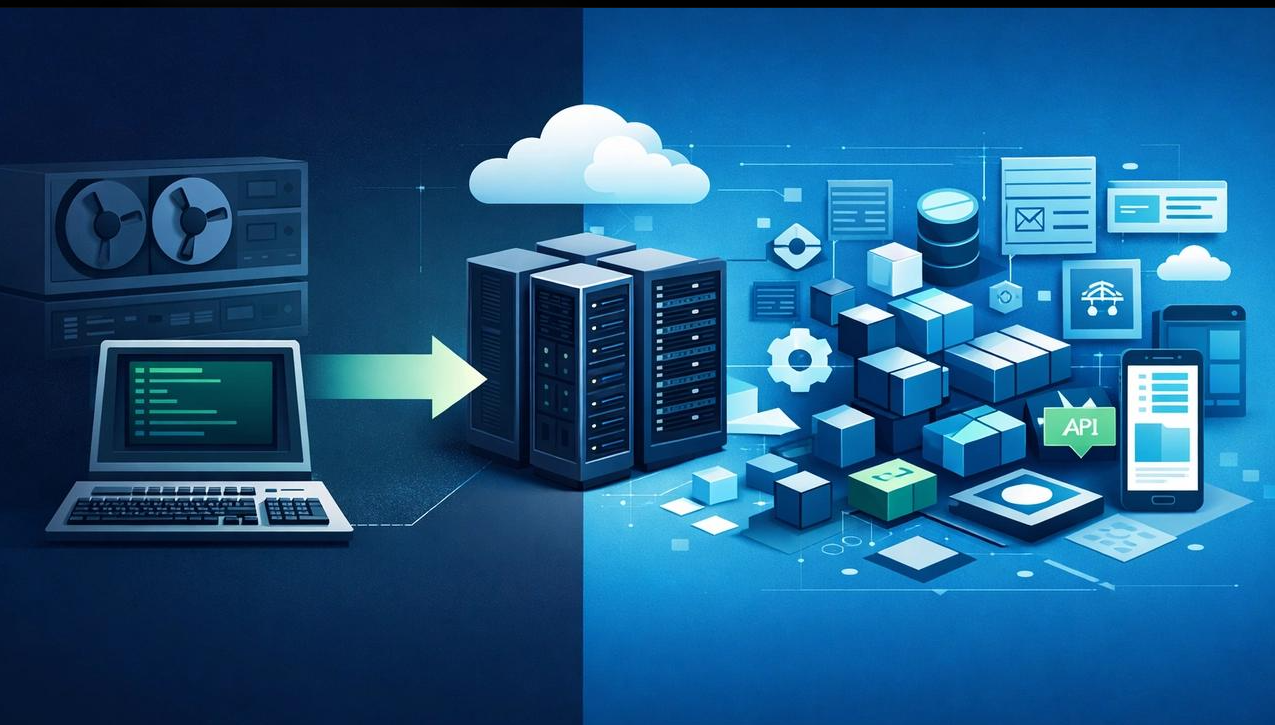
Technology plays a critical role in how modern businesses operate, manage customers, process information, and deliver services. However, many organisations still depend on legacy software systems that were developed years or even decades ago. While these systems may continue to support everyday operations, they often struggle to meet the changing demands of modern businesses.
As companies expand, adopt new technologies, and respond to increasing customer expectations, outdated software can become a significant operational challenge. Slow performance, security vulnerabilities, expensive maintenance, and limited integration capabilities can prevent organisations from achieving their full potential.
This is where legacy software modernisation becomes important. It involves upgrading, replacing, or transforming outdated software applications and infrastructure to improve performance, security, scalability, and business efficiency.
Understanding when and why to modernise legacy software can help businesses make smarter technology investments and prepare for long-term growth.
What Is Legacy Software Modernisation?
Legacy software modernisation refers to the process of updating outdated applications, systems, and technology infrastructure to meet current business and technological requirements.
Legacy systems are typically built using older programming languages, outdated frameworks, traditional databases, or technologies that are no longer actively supported. Although these applications may still perform essential functions, maintaining them can become increasingly difficult and expensive.
Modernisation does not always require replacing an entire system. Businesses can choose different approaches depending on their requirements, existing infrastructure, budget, and long-term objectives.
Common modernisation activities include:
-
Migrating applications to cloud-based infrastructure.
-
Updating outdated programming languages and frameworks.
-
Replacing unsupported software components.
-
Improving database architecture and performance.
-
Integrating modern APIs and third-party applications.
-
Strengthening cybersecurity and access controls.
-
Introducing automation and modern development practices.
The objective is to ensure that business software remains reliable, secure, adaptable, and capable of supporting future requirements.
Why Businesses Continue Using Legacy Software
Despite technological advancements, many businesses continue relying on older software systems. There are several reasons behind this decision.
High Replacement Costs: Replacing an established software system can require significant financial investment. Businesses may avoid modernisation because of development expenses, migration costs, employee training, and implementation time.
Dependence on Existing Workflows: Employees often become familiar with existing applications. Replacing these systems may require changes to established business processes and operational procedures.
Fear of Business Disruption: Some organisations worry that upgrading their software could interrupt essential operations, affect customer services, or result in data loss.
Customised Business Applications: Certain legacy applications are heavily customised to support specific business requirements. Recreating these functionalities in a modern environment can be complicated.
Lack of Technical Resources: Organisations may not have the internal technical expertise required to evaluate, upgrade, or migrate outdated applications.
Although these concerns are understandable, delaying modernisation for too long can create greater technical and financial challenges.
7 Warning Signs Your Business Needs Legacy Software Modernisation
Recognising the signs of outdated technology can help businesses determine when an upgrade becomes necessary.
1. Frequent System Failures and Slow Performance
If employees regularly experience application crashes, slow loading times, or unexpected downtime, the existing software may no longer be capable of supporting operational demands.
Poor performance affects productivity and can create frustrating experiences for customers.
Modern software architectures can improve application responsiveness, system reliability, and resource management.
2. Increasing Maintenance Costs
Legacy applications often require specialised developers who understand outdated programming languages and technologies.
As experienced developers become harder to find, maintaining these systems can become increasingly expensive.
Businesses may spend more money fixing existing problems than investing in improvements or innovation.
Modernising software can reduce technical maintenance challenges and make future development more manageable.
3. Security Vulnerabilities
Older software may rely on unsupported frameworks, outdated security protocols, and components that no longer receive regular security updates.
This can expose businesses to cybersecurity threats, unauthorised access, and data breaches.
Software modernisation allows organisations to introduce updated security standards, stronger authentication mechanisms, regular patching, and improved monitoring.
4. Limited Integration Capabilities
Modern businesses depend on multiple digital platforms, including CRM systems, ERP software, payment gateways, analytics tools, and cloud applications.
Legacy systems may not support modern APIs or integration standards, making it difficult to exchange information between platforms.
This can result in data silos, manual processes, and inefficient workflows.
Upgrading software can improve connectivity and enable smoother communication between business applications.
5. Difficulty Scaling Business Operations
As businesses grow, their software must support increasing numbers of users, transactions, customers, and data records.
Older systems may struggle to handle these growing requirements.
Modern architectures, particularly cloud-based environments, offer greater flexibility and can help businesses scale resources according to operational needs.
6. Poor User Experience
Outdated interfaces, complicated navigation, and limited functionality can make software difficult to use.
Employees may spend unnecessary time completing routine tasks, while customers may encounter frustrating digital experiences.
Modernisation provides an opportunity to improve usability, accessibility, responsiveness, and overall user experience.
7. Lack of Support for New Technologies
Legacy systems may not work effectively with artificial intelligence, automation platforms, advanced analytics, and modern cloud services.
Businesses that cannot adopt these technologies may struggle to keep pace with competitors.
Modern software infrastructure creates opportunities to introduce new capabilities and support digital transformation initiatives.
Key Benefits of Legacy Software Modernisation
Upgrading outdated applications can deliver several long-term business advantages.
Improved Operational Efficiency
Modern software can automate repetitive activities, streamline workflows, and reduce manual intervention.
Employees can access information more efficiently, complete tasks faster, and focus on higher-value responsibilities.
Stronger Cybersecurity
Modern systems make it easier to implement updated security practices, monitor suspicious activities, manage user permissions, and address software vulnerabilities.
This helps organisations protect sensitive business and customer information.
Reduced Long-Term Maintenance Costs
Although modernisation requires an initial investment, replacing outdated components can reduce recurring maintenance expenses.
Modern development frameworks and better documentation can also make future updates easier and less dependent on specialised technical knowledge.
Better Scalability and Flexibility
Modern applications can be designed to support changing business requirements.
Cloud infrastructure, modular architecture, and containerisation allow businesses to expand their technology capabilities without completely rebuilding their systems.
Improved Customer Experience
Faster applications, reliable services, and better integration capabilities help businesses deliver smoother customer experiences.
Organisations can respond more effectively to customer requirements and provide consistent services across digital channels.
Greater Innovation Opportunities
Modernised systems make it easier to introduce artificial intelligence, machine learning, business intelligence, automation, and advanced analytics.
These capabilities can help businesses identify opportunities, improve decision-making, and develop new services.
Common Approaches to Legacy Software Modernisation
Not every business needs to completely replace its existing software. The right modernisation strategy depends on the application's complexity, business importance, technical limitations, and available resources.
Here are some commonly used approaches.
1. Rehosting
Rehosting involves moving an existing application to a new infrastructure environment, often a cloud platform, without significantly changing its internal architecture.
It can be a practical option for businesses that want to move away from traditional infrastructure while keeping application changes limited.
2. Refactoring
Refactoring involves improving the internal structure of existing software without significantly changing its external functionality.
It helps simplify code, improve maintainability, and address technical limitations.
3. Replatforming
Replatforming means moving an application to a modern technology platform while making selected improvements to its architecture or configuration.
This approach can improve performance and infrastructure management without requiring a complete rebuild.
4. Rebuilding
Rebuilding involves developing a new application while retaining the essential business requirements and functionalities of the original system.
It is suitable when the existing software has significant technical limitations that cannot be addressed efficiently through smaller updates.
5. Replacing
Sometimes, replacing a legacy application with a modern commercial or customised solution is more practical than continuing to maintain it.
Businesses should evaluate functionality, integration requirements, security, scalability, and total ownership costs before selecting a replacement.
The Role of Cloud Computing in Software Modernisation
Cloud computing has become an important part of modern software development and infrastructure transformation.
Traditional software systems often depend on physical servers and fixed infrastructure, which can limit flexibility and increase maintenance responsibilities.
Cloud-based environments provide businesses with access to scalable computing resources, managed databases, storage solutions, and application hosting services.
Some important advantages include:
-
Scalability: Businesses can increase or decrease computing resources according to demand.
-
Accessibility: Authorised employees can access applications from different locations.
-
Infrastructure Management: Managed cloud services can reduce certain infrastructure maintenance responsibilities.
-
Business Continuity: Backup and disaster recovery solutions can help organisations improve operational resilience.
-
Integration: Cloud platforms support connections with various modern applications and services.
However, cloud migration should be carefully planned. Businesses must evaluate data security, regulatory requirements, migration costs, performance, and vendor dependency before selecting a cloud environment.
How AI and Automation Support Modern Software Systems
Artificial intelligence and automation are changing how businesses manage their operations.
Modernised software infrastructure can make it easier to introduce intelligent capabilities into existing business processes.
For example, organisations can use AI-powered systems to analyse large datasets, identify patterns, generate insights, and support decision-making.
Automation can also reduce repetitive manual work across departments.
Some practical applications include:
-
Automated customer support through AI chatbots.
-
Intelligent lead management and CRM automation.
-
Automated invoice processing and document management.
-
Predictive analytics for business planning.
-
Automated reporting and performance monitoring.
-
AI-assisted software testing and maintenance.
By combining modern software architecture with AI and automation, businesses can build more efficient and adaptable operational environments.
Challenges Businesses Should Consider Before Upgrading
Although modernisation offers significant advantages, the process requires careful planning.
Data Migration Risks: Moving information from older systems to modern platforms requires proper data validation, backup procedures, and testing to prevent information loss or corruption.
Business Disruption: Poorly planned upgrades can interrupt essential operations. A phased implementation strategy can help minimise downtime.
Employee Training: Employees may need training to understand new interfaces, workflows, and application features.
Budget Management: Businesses should consider development expenses, licensing, infrastructure, migration, testing, and ongoing maintenance.
Compatibility Issues: Existing applications may depend on older systems or integrations that are difficult to replace.
Project Complexity: Large modernisation projects can involve multiple departments, vendors, technologies, and business processes.
Addressing these challenges early can improve implementation outcomes and reduce unnecessary risks.
A Step-by-Step Approach to Successful Software Modernisation
Businesses can follow a structured approach to make the modernisation process more manageable.
Step 1: Assess Existing Systems
Identify outdated applications, infrastructure limitations, performance issues, security vulnerabilities, and maintenance requirements.
Step 2: Define Business Objectives
Determine what the organisation expects to achieve, such as reducing operational costs, improving performance, strengthening security, or supporting business expansion.
Step 3: Prioritise Applications
Not every application needs immediate replacement. Start with systems that create the greatest operational risks or offer the highest potential business value.
Step 4: Select the Right Modernisation Strategy
Evaluate whether rehosting, refactoring, replatforming, rebuilding, or replacing is the most suitable approach.
Step 5: Develop a Migration Plan
Create a clear roadmap covering timelines, budgets, responsibilities, data migration, testing, and risk management.
Step 6: Test Before Deployment
Conduct functional, security, performance, and integration testing to identify problems before introducing the upgraded system into daily operations.
Step 7: Monitor and Improve
After implementation, continuously monitor application performance, security, employee feedback, and operational efficiency.
Modernisation should be treated as an ongoing process rather than a one-time technology upgrade.
Conclusion
Legacy software modernisation is becoming an important business priority as organisations face increasing demands for efficiency, security, scalability, and innovation.
Although outdated systems may continue supporting everyday operations, their limitations can eventually affect productivity, increase maintenance expenses, and restrict business growth.
By identifying warning signs early, choosing the right modernisation strategy, and planning upgrades carefully, businesses can build technology environments that support both present operations and future objectives.
Modernisation is not simply about adopting newer technology. It is about creating a reliable digital foundation that enables businesses to operate efficiently, respond to changing market conditions, and remain competitive in an increasingly technology-driven world.