
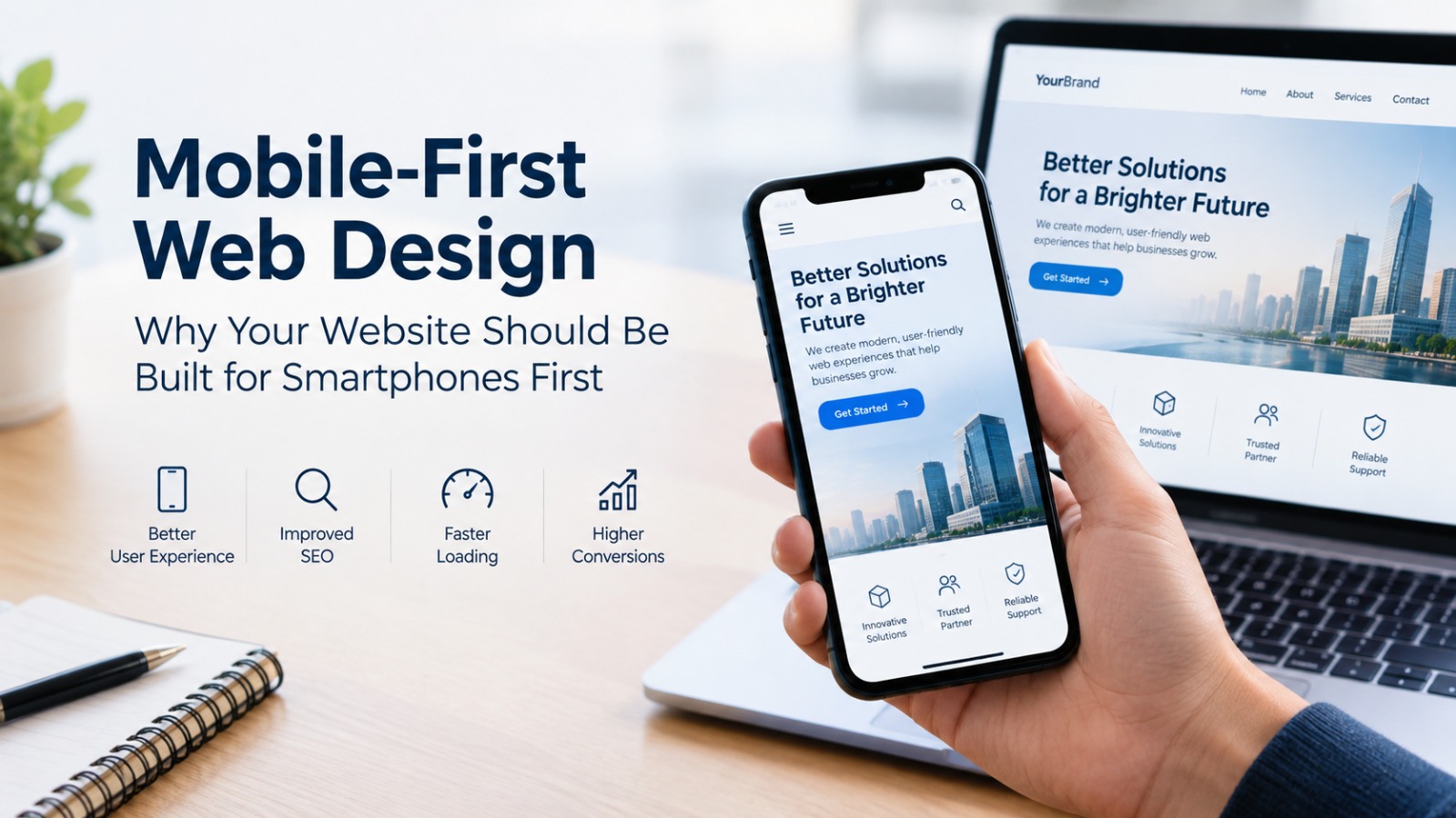
Mobile-first web design has become an essential approach for businesses that want to build a strong online presence. People use smartphones to search for information, compare products, read blogs, contact businesses, and make purchases. As a result, a website must provide a smooth and convenient experience on smaller screens rather than focusing only on desktop computers.
Traditionally, websites were designed for desktop users first and later adjusted to fit mobile screens. However, this approach can lead to crowded layouts, difficult navigation, slow loading times, and frustrating user experiences. Mobile-first web design reverses this process by prioritizing smartphones during the initial design and development stages.
For businesses, startups, e-commerce brands, and service providers, adopting a mobile-first approach can help create a website that is accessible, user-friendly, and prepared for changing customer expectations.
What Is Mobile-First Web Design?
Mobile-first web design is a website development approach in which designers begin by creating the website experience for smartphones before expanding the layout for tablets, laptops, and desktop computers.
The process focuses on the most important content and features first. Since smartphone screens have limited space, designers must prioritize essential information, simplify navigation, optimize images, and make important actions easy to access.
For example, a business website might display its headline, main service, a short description, and a prominent contact button on a smartphone screen. On a desktop, the same website could include additional sections, larger images, expanded navigation, and more detailed content.
Mobile-first design does not mean ignoring desktop users. Instead, it ensures that the website works effectively on smaller screens before taking advantage of larger displays.
Why Should Your Website Be Built for Smartphones First?
1. Most Users Expect a Mobile-Friendly Experience
Smartphones have become a primary way for people to access the internet. Users often discover businesses through Google searches, social media links, online advertisements, and messaging apps on their phones.
If a website is difficult to use on a smartphone, visitors may leave before exploring its products or services. Small text, overlapping elements, and complicated menus can discourage potential customers from continuing.
A mobile-first approach helps businesses provide a more convenient experience, making it easier for visitors to find information and take action.
2. Mobile-First Design Supports SEO
Search engine optimization is an important consideration when developing a website. Google primarily uses the mobile version of a website's content for indexing, which makes mobile usability and content consistency important for search visibility.
A well-designed mobile website should provide access to the same important content, headings, links, and structured information available on the desktop version.
Mobile-first design alone does not guarantee higher rankings. However, combining mobile usability with relevant content, good technical SEO, and strong website performance creates a better foundation for organic search growth.
3. Faster Loading Improves User Experience
Website speed matters, particularly when visitors access a website using mobile data or an unreliable internet connection.
Large images, unnecessary animations, excessive scripts, and poorly optimized code can slow down a website. Mobile-first development encourages designers and developers to consider performance from the beginning.
Businesses can improve loading speed by compressing images, using modern image formats, reducing unnecessary JavaScript, enabling caching, and selecting reliable hosting.
A faster website allows users to access information with less waiting and can support a smoother browsing experience.
4. Simple Navigation Makes Websites Easier to Use
Desktop websites often have enough space for multiple navigation links, dropdown menus, and sidebars. Smartphones provide much less room, so the same layout may become confusing.
Mobile-first web design prioritizes simple and intuitive navigation. Menus should be easy to open, links should be easy to tap, and important pages should be accessible without excessive scrolling.
For example, a service-based business might prioritize these navigation options:
-
Home
-
Services
-
About Us
-
Blog
-
Contact Us
A clear navigation structure helps visitors understand where to go and reduces the effort required to find relevant information.
5. It Can Improve Conversions and Lead Generation
A website should do more than display information. It should help visitors complete meaningful actions, such as purchasing a product, requesting a quotation, booking a consultation, or submitting an enquiry.
Mobile-first design makes these actions easier by placing important buttons where users can find them, simplifying forms, and reducing unnecessary steps.
For example, a marketing agency could place a clearly visible “Book a Consultation” button near the top of its mobile homepage. A software company might highlight a “Request a Demo” button, while an online store could simplify its checkout process.
When the journey from discovery to action is straightforward, businesses can reduce friction and create better opportunities for conversion.
6. It Helps Businesses Reach Customers Through Social Media
Social media platforms are significant sources of website traffic for many businesses. People frequently open website links from Instagram, LinkedIn, Facebook, and other platforms directly on their smartphones.
If the landing page is difficult to navigate, the experience becomes inconsistent with the convenience users expect from social media.
A mobile-first website helps maintain a smooth journey from a social media post to the business website. Visitors can read articles, explore services, and contact the company without switching to a desktop computer.
For businesses investing in social media marketing, mobile optimization is therefore an important part of the overall customer experience.
Key Elements of an Effective Mobile-First Website
1. Responsive Layout
The website should adapt to different screen sizes without horizontal scrolling, overlapping content, or broken layouts. Flexible grids and responsive CSS help maintain consistency across devices.
2. Readable Typography
Text should be comfortable to read without zooming. Use clear fonts, suitable font sizes, adequate line spacing, and sufficient contrast between text and background.
3. Touch-Friendly Buttons
Buttons and interactive elements should have enough space to tap accurately. Avoid placing important links too close together, particularly on forms and checkout pages.
4. Optimized Media and Performance
Compress images, avoid unnecessary video playback, and minimize scripts that delay the main content. Optimize for real-world mobile network conditions.
5. Simple Forms and Calls to Action
Keep forms short and request only necessary information. Make contact details, enquiry buttons, and purchase actions easy to access.
Mobile-First vs. Desktop-First Design
|
Feature |
Mobile-First Design |
Desktop-First Design |
|---|---|---|
|
Starting point |
Smartphone screens |
Desktop screens |
|
Layout approach |
Begins with essential content |
Begins with a larger, more detailed layout |
|
Navigation |
Simplified for touch |
Often uses wider menus and more options |
|
Performance |
Considers mobile constraints early |
May require later mobile optimization |
|
Content priorities |
Focuses on essential information |
May initially accommodate more content |
|
Best practice |
Expand progressively for larger screens |
Requires careful adaptation for smaller screens |
Both approaches can produce responsive websites when implemented properly. However, mobile-first design makes the needs of smartphone users a priority from the beginning.
Common Mobile-First Web Design Mistakes to Avoid
Even businesses that invest in responsive websites can make mistakes that affect usability.
Hiding important content on mobile: Removing essential information from the mobile version can create an inconsistent experience and may affect search engines' understanding of the page.
Using oversized images: Large images can push important content down the page and increase loading time.
Adding too many pop-ups: Intrusive pop-ups can interrupt visitors, obscure content, and make it difficult to navigate a website on a small screen.
Creating complicated forms: Asking for too much information can discourage visitors from completing an enquiry or registration.
Ignoring mobile testing: A website may look good in a desktop preview but behave differently on actual devices. Test navigation, buttons, forms, images, and page speed on multiple screen sizes.
Focusing only on appearance: A visually attractive website is not enough. Accessibility, usability, performance, security, and clear content are also important.
How to Build a Mobile-First Website: A Step-by-Step Approach
Businesses planning a new website or redesign can follow these steps.
1. Understand your audience. Identify how visitors use your website, what they are looking for, and which actions matter most to your business.
2. Prioritize essential content. Decide which headlines, services, product details, and calls to action should appear first on a small screen.
3. Create a mobile wireframe. Plan the basic structure and navigation before adding decorative elements or complex features.
4. Develop a responsive layout. Use flexible layouts, suitable breakpoints, and responsive images to accommodate different devices.
5. Optimize website performance. Reduce unnecessary code, compress media, and measure loading performance.
6. Test usability and accessibility. Check text readability, keyboard access, touch targets, form labels, color contrast, and navigation.
7. Monitor real-world results. Review mobile traffic, conversion rates, engagement, and performance data. Improve the experience based on what users actually do.
How Mobile-First Design Helps Different Businesses
Mobile-first web design can benefit businesses across industries.
-
Startups: Present their value proposition clearly and help potential customers understand their products or services.
-
E-commerce businesses: Simplify product discovery, product comparisons, cart interactions, and checkout.
-
Service providers: Make phone numbers, contact forms, booking links, and enquiry options easier to access.
-
Educational platforms: Improve access to course information, registration forms, learning resources, and student portals.
-
Blogs and media websites: Make articles easier to read and share while improving the browsing experience for mobile visitors.
-
B2B and software companies: Help decision-makers explore solutions, review features, and request product demonstrations.
The exact design will vary by industry, but the objective remains the same: make the most important information and actions accessible on the device customers use.
How to Measure Mobile Website Performance
Once your website is live, measure its performance rather than assuming the design is effective.
Useful tools and metrics include:
-
Google PageSpeed Insights: Evaluates performance and provides suggestions for improvement.
-
Google Search Console: Helps monitor search visibility, indexing, and mobile-related issues reported by Google.
-
Google Analytics: Helps compare mobile traffic, engagement, and conversions across devices.
-
Core Web Vitals: Measures important aspects of user experience, including loading performance, visual stability, and responsiveness.
Pay particular attention to Largest Contentful Paint (LCP), Interaction to Next Paint (INP), and Cumulative Layout Shift (CLS). Google's commonly recommended good thresholds are LCP of 2.5 seconds or less, INP of 200 milliseconds or less, and CLS of 0.1 or less, assessed at the 75th percentile of page visits.
These measurements help identify areas where technical improvements could make the website easier to use.
Conclusion
Mobile-first web design is no longer simply a design preference. It is a practical approach to building websites around how people access information, discover businesses, and interact with digital services.
By prioritizing mobile usability, businesses can create websites that are easier to navigate, faster to load, and more convenient to use. A mobile-first approach also supports SEO best practices, improves the experience of social media visitors, and helps customers complete important actions with less friction.
Whether you are building a startup website, an e-commerce store, a business blog, or a software company website, begin with the smartphone experience and expand thoughtfully for larger screens. A website designed around real user needs is better positioned to support long-term digital growth.
Looking to improve your website? Focus on mobile usability, performance, and responsive development to create a digital experience that works for your customers across devices.