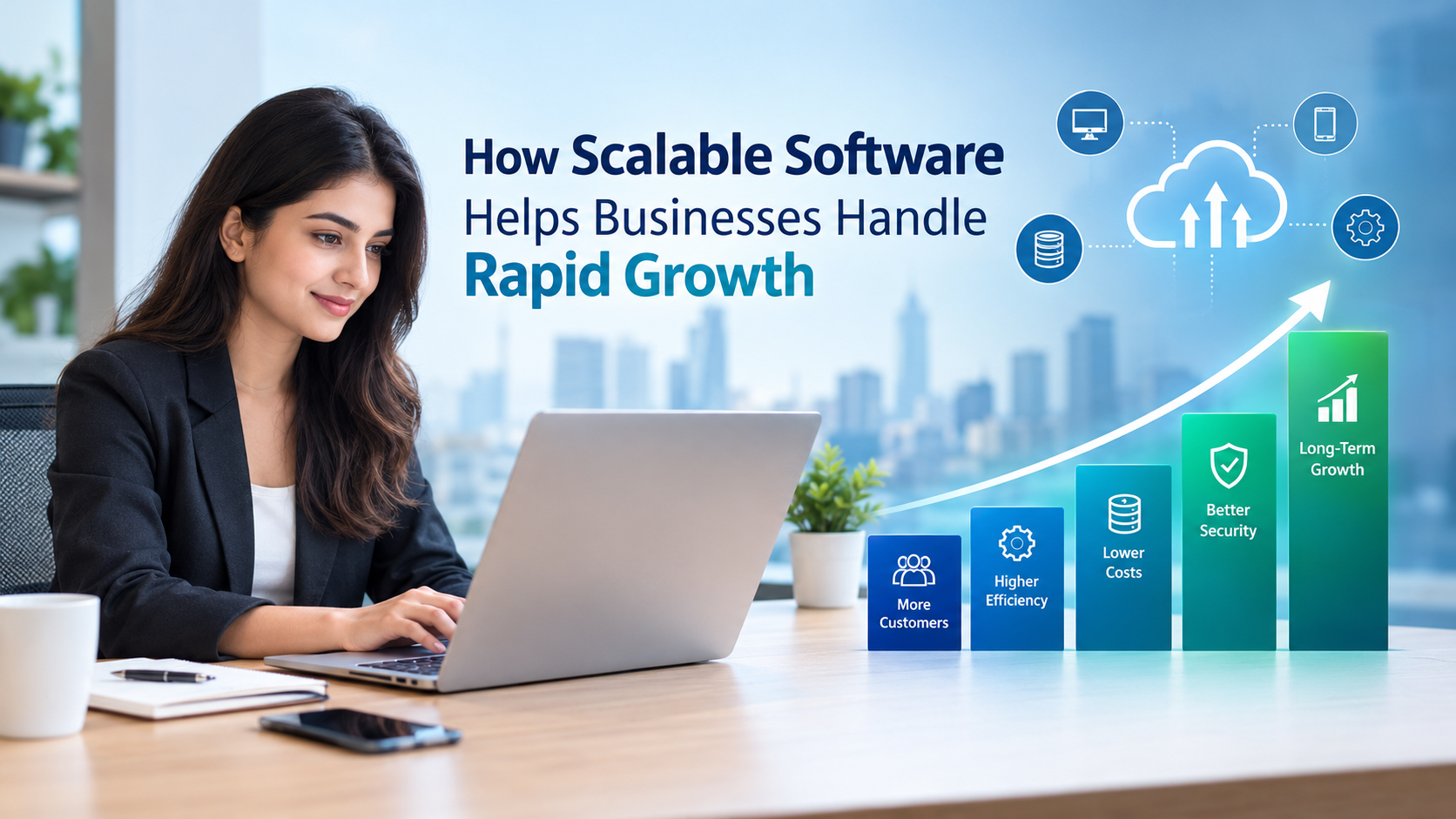
Business growth is an exciting milestone, but it also brings new challenges. As a company attracts more customers, expands its team, and increases its operations, its existing technology may struggle to keep up. Systems that once worked efficiently can become slow, difficult to manage, or expensive to maintain.
This is where scalable software becomes essential. Scalable software is designed to handle increasing workloads, growing customer numbers, and changing business requirements without requiring a complete system replacement.
Whether a company is a startup preparing for expansion or an established enterprise entering new markets, investing in scalable software helps create a strong technological foundation for long-term growth.
What Is Scalable Software?
Scalable software is an application or system that can accommodate increasing demand while maintaining acceptable performance, reliability, and efficiency.
For example, a small online store might initially process 100 orders per day. As the business grows, it may need to handle thousands of orders, manage additional product categories, coordinate inventory across multiple locations, and support more customers simultaneously.
A scalable system can adapt to these changes by increasing its computing resources, improving its architecture, or adding new capabilities.
Scalability is not only about handling more users. It also involves supporting larger datasets, more complex workflows, additional integrations, and new business operations.
7 Ways Scalable Software Helps Businesses Handle Rapid Growth
1. Handles Increasing Customer Demand
As businesses grow, their websites, applications, and internal systems must support more users and transactions. Software that cannot manage increased demand may experience slow loading times, errors, or service interruptions.
Scalable software helps businesses accommodate higher traffic and larger workloads through suitable infrastructure, optimized databases, caching, and cloud-based resources.
For example, an e-commerce company running a seasonal promotion may experience a sudden increase in visitors and orders. A scalable platform can allocate additional resources when required, helping the business deliver a smoother shopping experience.
2. Improves Operational Efficiency
Rapid growth often increases the number of repetitive tasks involved in daily operations. Managing customer inquiries, processing orders, updating records, and generating reports manually can consume valuable time.
Scalable software supports automation and standardized workflows, allowing businesses to handle more work without increasing administrative effort at the same rate.
For instance, a customer relationship management (CRM) system can automatically assign leads, schedule follow-ups, update customer records, and generate sales reports. As the sales team expands, these workflows can continue supporting employees and managers.
This allows teams to focus more on customer relationships, decision-making, and business development.
3. Reduces Long-Term Technology Costs
Businesses experiencing rapid growth may be tempted to purchase multiple disconnected tools or replace their systems whenever operational needs change. Over time, this can increase software licensing, maintenance, integration, and training costs.
Scalable software provides a more adaptable foundation. Businesses can expand system capacity or introduce additional features as their requirements evolve.
Cloud-based infrastructure, for example, can allow companies to increase or reduce computing resources according to demand, depending on the pricing model and configuration.
Although scalable software may require greater initial planning and investment, it can reduce the need for disruptive replacements and costly technical workarounds over time.
4. Supports Better Customer Experiences
Customer expectations increase as businesses expand. People expect websites to load quickly, payments to work reliably, support requests to receive timely responses, and account information to remain accurate.
When systems become overloaded, customers may encounter delays, failed transactions, or inconsistent service.
Scalable software helps maintain performance as demand increases. It can also support personalized experiences through customer data, automated communication, and integrated service platforms.
A business that maintains reliable service during periods of high demand is better positioned to build customer trust, encourage repeat purchases, and strengthen its reputation.
5. Makes Business Expansion Easier
Expanding into new markets, opening additional branches, launching new products, or serving international customers can introduce complex operational requirements.
Scalable software makes these changes easier by supporting modular features, additional users, new integrations, and flexible workflows.
For example, a retail company expanding from one city to several regions may need centralized inventory management, location-specific reporting, multiple delivery partners, and additional payment options.
A well-designed system can accommodate these requirements without forcing the company to rebuild its entire technology platform.
6. Improves Data Management and Decision-Making
As businesses grow, they generate more information from sales transactions, marketing campaigns, customer interactions, and operational activities.
Without an effective data management system, this information can become fragmented across spreadsheets and disconnected applications.
Scalable software can support growing databases, integrate information from multiple sources, and provide reporting tools that help managers understand business performance.
With access to reliable data, decision-makers can identify sales trends, monitor customer retention, evaluate marketing performance, and allocate resources more effectively.
Better data visibility becomes increasingly important as business operations become more complex.
7. Strengthens Reliability and Security
Growth can increase both technical complexity and exposure to security risks. More employees, customer accounts, integrations, and transactions create additional areas that businesses must protect.
Scalable software should be designed with security and reliability in mind. Important capabilities may include role-based access control, data encryption, automated backups, monitoring, disaster recovery, and regular security updates.
Businesses should also evaluate system availability, failure recovery, and data protection requirements before expanding their software infrastructure.
Building these safeguards into the system from the beginning can help businesses manage growth while protecting customer information and maintaining operational continuity.
Key Features of Scalable Software
When selecting or developing software for a growing business, consider the following features:
-
Flexible architecture: Supports new features and changing business requirements without major redesigns.
-
Cloud infrastructure: Makes it possible to expand computing resources as workloads increase.
-
Automation capabilities: Reduces repetitive work and improves workflow consistency.
-
Integration support: Connects CRM, accounting, inventory, marketing, and other business applications.
-
Database scalability: Helps manage growing volumes of business and customer information.
-
Security controls: Protects sensitive data through permissions, encryption, and monitoring.
-
Performance monitoring: Identifies bottlenecks and helps teams address problems before they affect customers.
-
Reliable recovery mechanisms: Supports business continuity through backups and disaster recovery planning.
Not every company needs every feature immediately. The right combination depends on business size, industry, growth plans, technical requirements, and budget.
Scalable Software vs. Traditional Software
Traditional software is not necessarily incapable of scaling. The key difference is whether its architecture and infrastructure can accommodate future demand efficiently.
| Factor | Limited-Scalability Software | Scalable Software |
|---|---|---|
| Growing workloads | May require significant changes | Designed to accommodate increased demand |
| New features | Can involve complex modifications | Modular design can simplify expansion |
| User growth | May struggle as usage increases | Can expand capacity when properly configured |
| Integrations | May depend on manual workarounds | Can support connected business systems |
| Maintenance | Major upgrades may be disruptive | Incremental improvements may be easier |
| Long-term planning | Often focuses on immediate needs | Considers future requirements |
The goal is not to build the largest possible system from day one. It is to build a system that can evolve as business needs change.
How to Build a Scalable Software Strategy
Step 1: Identify Future Business Requirements
Estimate how your business may grow over the next two to five years. Consider expected customer numbers, employee growth, transaction volumes, new locations, and additional services.
These projections help define the system's likely capacity requirements.
Step 2: Choose the Right Architecture
Select an architecture that matches your business needs. Modular systems can make individual components easier to update, while cloud-native approaches may offer flexible resource allocation.
Microservices can be useful for some complex applications, but they also introduce additional operational complexity. The best architecture is the one that meets your requirements without unnecessary expense.
Step 3: Automate Repetitive Processes
Identify tasks that consume time and become harder to manage as the company grows. Automating lead management, billing workflows, reporting, inventory updates, or customer notifications can improve productivity.
Step 4: Prioritize Integrations
Ensure your software can communicate with the tools your business already uses. Reliable integrations reduce duplicate data entry and help teams maintain consistent information across departments.
Step 5: Monitor Performance Regularly
Track response times, error rates, system availability, database performance, and infrastructure costs. Load testing can help identify how the system performs under expected and unusually high demand.
Step 6: Review Security and Reliability
Evaluate access permissions, backups, disaster recovery, data protection, and security updates as the system expands. Scalability should not come at the expense of reliability or customer trust.
Step 7: Work With the Right Development Partner
A capable software development partner can help assess your current systems, identify technical limitations, choose suitable technologies, and create a practical expansion roadmap.
Look for a team that understands your business processes, communicates clearly, and considers long-term maintenance alongside initial development.
Industries That Benefit From Scalable Software
Scalable software can support growth across many industries.
E-commerce: Handles increasing website traffic, orders, inventory, and payment transactions.
Healthcare: Supports growing appointment volumes, administrative workflows, and patient information systems while meeting applicable privacy and security requirements.
Education: Accommodates more students, online courses, assessments, and digital learning activities.
Financial services: Helps manage increasing transaction volumes, reporting needs, and customer interactions with appropriate security controls.
Manufacturing: Supports inventory tracking, production planning, supply chain coordination, and operational reporting.
Professional services: Helps growing agencies and consulting firms manage leads, projects, invoices, employee workloads, and client communication.
Across these industries, the underlying principle remains the same: technology should support increasing operational demands rather than become a barrier to expansion.
Common Mistakes to Avoid When Scaling Software
Businesses can face avoidable problems when preparing their technology for growth. Common mistakes include:
-
Planning only for current demand: Ignoring future requirements can lead to expensive redesigns.
-
Overengineering too early: Building unnecessary complexity increases development and maintenance costs.
-
Ignoring performance testing: A system that works for a small team may behave differently under heavy workloads.
-
Neglecting data quality: More data does not automatically produce better decisions if records are inaccurate or duplicated.
-
Overlooking security: Adding users and integrations without proper controls can increase risk.
-
Failing to train employees: Even well-designed software can underperform when teams do not understand how to use it.
A balanced approach focuses on current priorities while keeping a clear path open for future improvements.
Conclusion
Rapid business growth creates opportunities, but it also places greater demands on technology, people, and processes. Scalable software helps businesses manage these demands by supporting higher workloads, automating operations, improving customer experiences, and accommodating new requirements.
The most effective strategy is to invest in software that aligns with your business objectives, provides room for expansion, and remains secure, reliable, and manageable as operations become more complex.
Planning for growth today can help your business avoid costly technology limitations tomorrow. By choosing the right software architecture and development approach, businesses can build a stronger foundation for sustainable expansion.
Frequently Asked Questions (FAQs)
1. What is scalable software in business?
Scalable software is designed to handle increasing users, data, transactions, and operational complexity while maintaining suitable performance and reliability.
2. Why is software scalability important for growing businesses?
It helps businesses accommodate higher demand, improve efficiency, reduce the need for disruptive replacements, and adapt to changing customer and operational requirements.
3. Is cloud-based software always scalable?
No. Cloud infrastructure can make scaling easier, but the application architecture, database design, configuration, and resource limits also affect scalability.
4. Is scalable software suitable for small businesses?
Yes. Small businesses can benefit from software that starts with essential features and expands as their customer base, workforce, and operational needs increase.
5. How can a business determine whether its software is scalable?
Businesses can review system architecture, monitor performance, assess database capacity, conduct load testing, and evaluate how easily new users, features, and integrations can be added.
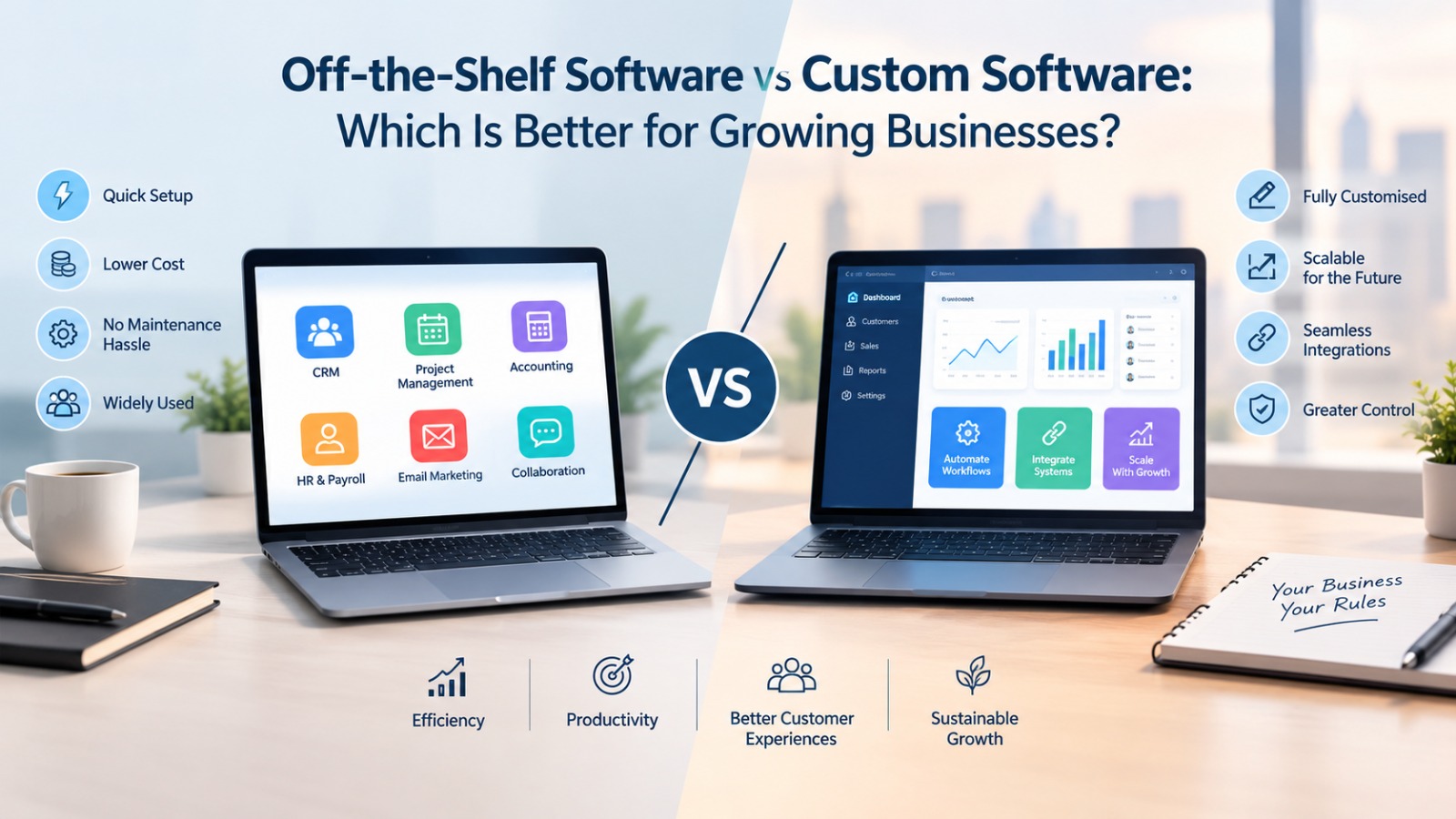
6. How does custom software help businesses scale?
Custom software can be designed around specific workflows and future requirements. When developed with suitable architecture and maintenance practices, it can adapt as the business expands.