Building a website used to feel like a task that required technical knowledge. If someone wanted to create a website, they often had to learn HTML, CSS, JavaScript, hosting, databases, and other technologies. For someone who simply wanted to create a website for a small business, portfolio, personal brand, or new idea, this could feel complicated and time-consuming. But the way websites are created has changed significantly. Today, no-code platforms, ready-made templates, drag-and-drop editors, and AI-powered website builders allow people with little or no coding experience to create websites.
The Rise of No-Code Website Building
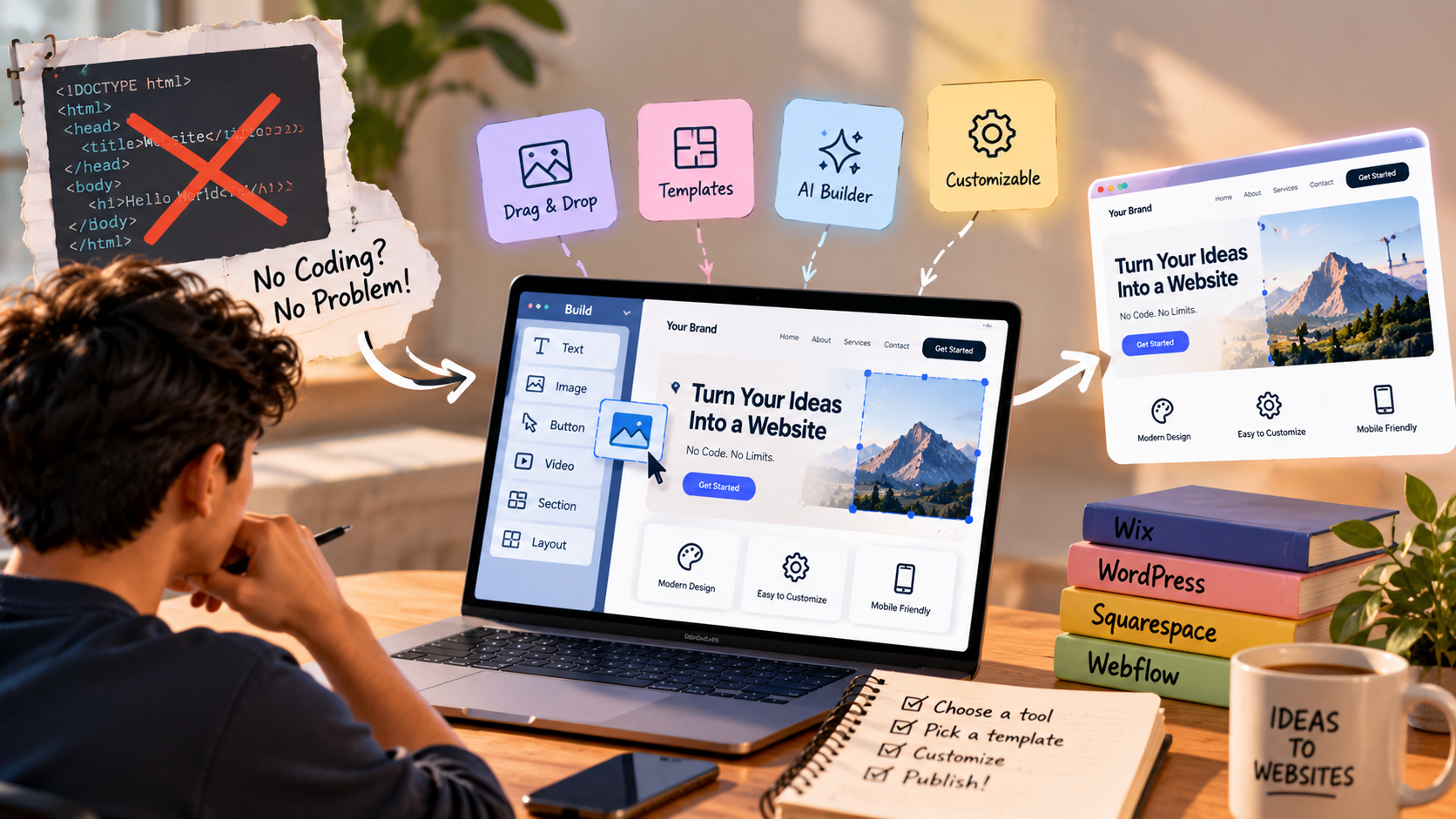
The biggest change is the growth of no-code website builders. Instead of manually writing code for every part of a website, these platforms provide visual interfaces where users can build pages by selecting and arranging different elements.
For example, imagine a small bakery owner who wants to create a website. They may need a homepage, an About Us section, a menu, photographs of their products, a location, and a contact form. Traditionally, they might have needed a developer to create these features. With a no-code platform, they can choose a template and customise these sections themselves.
Users can usually change the colours, fonts, images, text, buttons, layouts, and sections through a visual editor. This makes the process much more approachable for people who have never written a line of code.
What Exactly Is a No-Code Website Builder?
A no-code website builder is a tool that allows users to create websites through visual interfaces rather than writing the underlying code themselves.
Think of it like creating a presentation. You don't need to know how the software is programmed to add a text box, insert an image, change a colour, or move an element around the slide. You simply use the available tools.
Website builders follow a similar idea. You can select a heading, image, button, video, form, or section and place it on your webpage. Behind the scenes, the platform generates the necessary code.
This does not mean there is no code involved. There is still HTML, CSS, JavaScript, and other technology running behind the website. The difference is that the platform handles much of that technical work for the user.
How AI Is Changing Website Creation
AI has taken this process one step further.
Instead of starting with a completely empty page, users can describe what they want and allow an AI-powered website tool to generate an initial website structure.
For example, a user could enter:
“Create a website for a local fitness studio with a homepage, class schedule, membership plans, trainer information, testimonials, and a contact section.”
An AI website builder may use that description to generate a starting layout, write initial content, suggest sections, and organise the page.
The user can then review the result and make changes. They might replace the generated images, modify the text, change the colours, add their branding, or rearrange sections.
This makes AI useful not only for people who cannot code, but also for developers and designers who want to create an initial version of a website more quickly.
What Can You Build Without Coding?
The possibilities depend on the platform you choose, but no-code and low-code tools can be used for many types of websites.
You can create:
-
Business websites
-
Personal portfolios
-
Blogs
-
Landing pages
-
Event websites
-
Restaurant websites
-
Service-based business websites
-
Photography portfolios
-
Personal brand websites
-
Basic online stores
-
Community and information websites
For example, a freelance graphic designer could create a portfolio showing previous projects, services, testimonials, and contact information without developing the entire website from scratch.
Similarly, a new business could create a simple landing page to explain its product, collect enquiries, and provide contact information.
But There Is a Catch
The fact that you can build a website without coding does not mean that coding has become unnecessary.
No-code tools have limitations.
A basic business website may work perfectly with a website builder. But imagine a company wants to build a highly customised platform with user accounts, complex dashboards, payment systems, real-time data, advanced search, third-party integrations, or specialised business logic.
At that point, simply dragging and dropping elements may not be enough.
Custom development can provide much greater control over how a website looks and behaves. Developers can create features specifically for a business rather than relying only on the features provided by a particular platform.
This is where understanding the difference between building a website and building a digital product becomes important.
A simple website might only provide information. A web application could allow users to log in, make payments, upload documents, manage accounts, interact with other users, or process large amounts of data. The second type of project generally requires significantly more technical work.
Do You Need to Learn Coding Anyway?
If your goal is simply to create a basic website, you don't necessarily need to become a programmer first.
However, learning some basic web concepts can still be extremely useful.
Understanding concepts such as HTML, CSS, responsive design, SEO, domains, hosting, and website performance can help you make better decisions even when you are using a no-code platform.
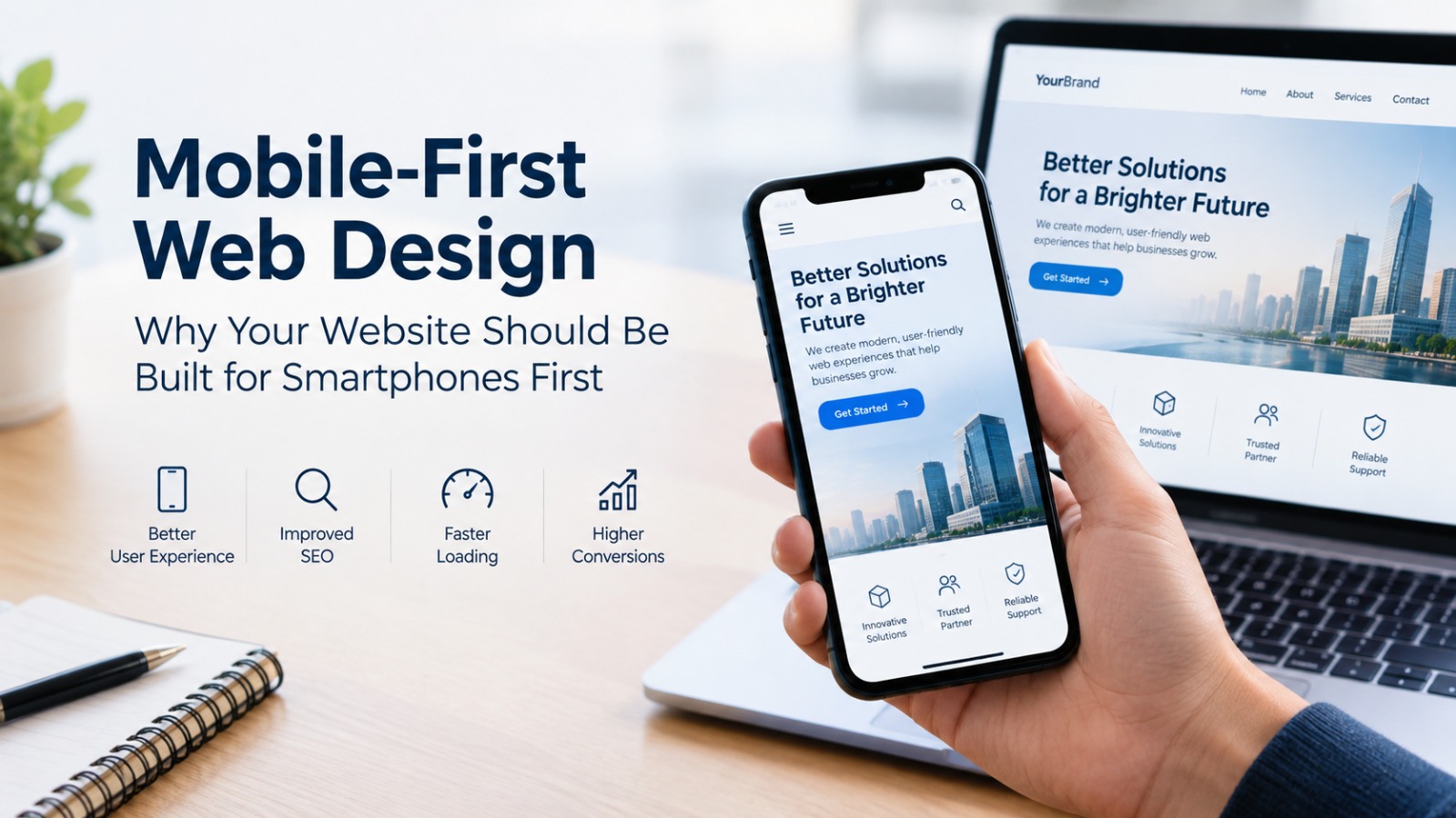
For example, if you understand responsive design, you will know that a website shouldn't only look good on your laptop. It should also work properly on smartphones and tablets.
Similarly, understanding basic SEO can help you structure your website so that search engines can better understand its content.
You don't need to become an expert developer to understand these concepts. But having some technical awareness can make it easier to build and manage a better website.
What About Website Design?
Another common misconception is that once you use a website builder, the platform will automatically create a great website.
The technology can help, but the decisions still matter.
A website needs clear navigation, readable text, appropriate images, consistent branding, strong calls to action, and a layout that makes sense to visitors.
For example, a website might have an impressive design but make it difficult for visitors to find the company's phone number or contact form. Another website might look simple but clearly explain its services and make it easy for customers to take action.
This is why user experience (UX) remains important even when the technical barrier to creating a website is low.
No-Code vs Custom Development
The choice doesn't have to be about whether no-code is “good” and coding is “bad.” Both approaches have different purposes.
A no-code platform can be useful when you want to launch quickly, have a limited budget, need a relatively simple website, or want to manage the content yourself.
Custom development can be more appropriate when you need unique functionality, advanced integrations, greater technical control, or a website that is closely connected to complex business processes.
For example, a small restaurant that needs a menu, location, opening hours, gallery, and enquiry form may not need a completely custom-built platform.
On the other hand, a company developing a specialised customer management system may require custom software development.
The right choice depends on the business requirements, budget, timeline, complexity, scalability, and level of customisation required.
The Role of Professional Developers
If no-code tools are becoming easier, does that mean businesses no longer need developers?
Not necessarily.
Developers still play an important role when projects become more complex. They can build custom functionality, integrate different systems, improve performance, handle technical problems, strengthen security, and create solutions that aren't available through standard website builders.
Developers can also help businesses avoid technical decisions that may cause problems later.
For example, someone might successfully create a website using a template but later discover that the platform cannot support an important feature they need. Planning the technical requirements early can prevent such limitations.
In many cases, the future of website development may not be about no-code versus coding. Instead, developers and no-code tools can work together.
A developer might use AI or no-code tools to create a prototype quickly and then use traditional development to customise the parts that require more control.
Things to Check Before Launching Your Website
Creating the website is only part of the process. Before publishing it, there are several things worth checking.
Is it mobile-friendly?
A large number of visitors may access the website from smartphones, so the layout should work properly on smaller screens.
Does it load quickly?
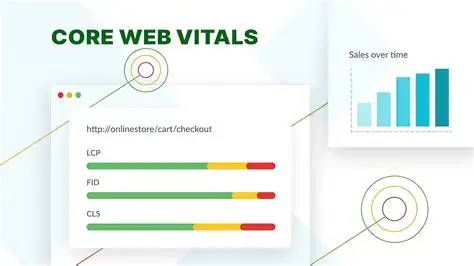
Large images, unnecessary scripts, and poorly optimised resources can make a website slower.
Is the navigation clear?
Visitors should be able to understand where they are and find important information without unnecessary effort.
Are the contact details correct?
A phone number, email address, location, contact form, or other business information should be checked before launch.
Does the website represent the brand correctly?
Colours, fonts, images, tone, and content should be consistent with the business.
Is the content useful?
A website should answer the questions visitors are likely to have rather than simply filling pages with text.
Does it work across different devices?
Testing on different screen sizes and browsers can help identify issues before visitors encounter them.
So, Can You Really Build a Website Without Knowing How to Code?
Yes.
The barrier to creating a website has become much lower. No-code platforms, templates, visual editors, and AI tools allow beginners to create websites without manually writing all the underlying code.
But there is an important distinction: being able to create a website is not the same as being able to create an effective website.
A website still needs a clear purpose, useful content, good design, responsive layouts, performance optimisation, security, and a good user experience.
For a simple website, a no-code or AI-powered platform may be enough. For a complex digital product, professional development may be necessary.
The most useful question, therefore, isn't simply “Do I know how to code?”
It is:
“What does my website need to accomplish, and what is the right technology to achieve it?”
As website-building technology continues to evolve, coding knowledge is becoming less of a barrier to getting online—but understanding your users, your business goals, and your website's requirements remains just as important.